
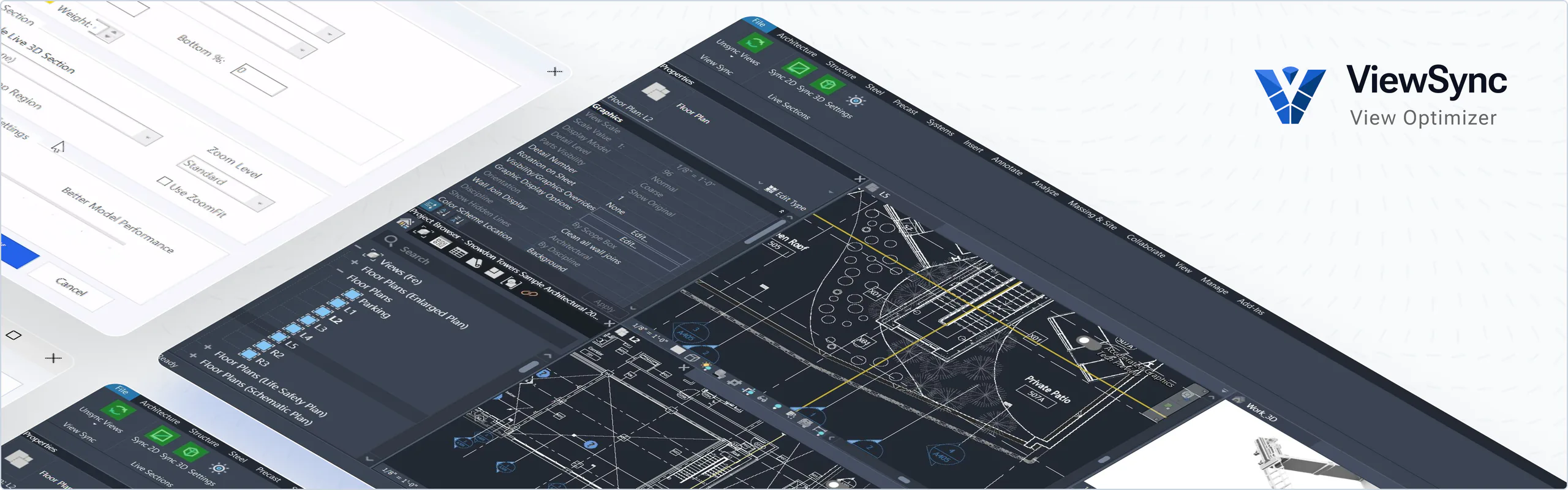
ViewSync 2.0 reduces navigation friction in Autodesk Revit by synchronizing open plan, section, elevation, and 3D views as you pan and zoom.
What is ViewSync
See DemoViewSync 2.0 reduces navigation friction in Autodesk Revit by synchronizing open plan, section, elevation, and 3D views as you pan and zoom. Teams spend less time re-framing views and more time reviewing design intent, coordination, and constructability.
Revit projects require continuous cross-checking between plan, section, elevation, and 3D views. When those views drift out of alignment, design review slows down and coordination mistakes are easier to miss. ViewSync keeps the team focused on decisions, not camera management.
See ViewSync in action
See how ViewSync keeps plan, section, elevation, and 3D views aligned as you navigate a Revit model.
Who Benefits
01. Architects:
- Review spatial quality, circulation, and envelope intent from multiple viewpoints without constant manual re-navigation.
- Compare floor plan edits against sections and elevations in near real-time during iterations.
- Support design presentations and internal reviews with consistent, stable visual context.
02. Structural Engineers:
- Track system coordination impacts quickly across plan and section while detailing.
- Validate clearances, penetrations, and vertical relationships with synchronized 3D context.
- Reduce repetitive view setup during coordination sessions and issue resolution workflows.
03. MEP Engineers:
- Auto section view syncing while you route.
- See live 3d view context while routing: game-changing!
- Unparalleled visualization of utilities.
Why ViewSync is Superior
Live 2D/3D Views
Live Sections and 3D section box views synced to plan view. Supports workshared environments.
Review Faster
Move from plan to section to 3D without losing orientation or manually re-framing each view.
Coordinate Better
Improve communication between architecture and engineering disciplines with consistently aligned views.
Core Capabilities
Plan-driven synchronization
As the active plan view changes, ViewSync updates open non-active views to match center and zoom context.
Live 2D & 3D workflows
Create and manage working live sections and a live 3D section-box view for focused, high-speed design review.
User friendly controls
Choose which view types participate in sync, control vertical behavior, and tune responsiveness for model performance.
Operational safety switches
Exclude on-sheet views, lock live zoom behavior when needed, and remove working live views with one command.
Fine-tune to your workflow
Balance update speed and model performance based on your project scale and team workflow.
Language support
Includes multiple language options to support a wider range of users and teams.
Typical Workflow
Open your working plan and supporting views
Keep key sections, elevations, and 3D views visible for review.
Enable Sync Views
With 1 click, ViewSync begins monitoring pan/zoom input and applies configured synchronization rules.
Navigate naturally in plan
Related views follow your working context, reducing manual camera resets.
Use Live Sections when needed
Add live 2D/3D support for deep design and coordination checks.
TransparencyAdjust settings to your project scale
Balance update speed and model performance based on team workflow.
Get ViewSync Pro
The professional's choice
Free + 30-day Pro Trial
For students, hobbyists, and basic use
Pro License
Perpetual license for the major version purchased. Includes all updates to that version; future major versions are sold separately.
For professionals and enterprises
Ready to Align Your Revit Views?
Download ViewSync Free and start your Pro trial today.
How can we help you?
You can reach us anytime via team@pelogic.io or schedule a meeting with our business team.

Ken Marsh
CEO & Founder
Still have questions or ready to meet?
Let’s keep things moving—schedule a meeting with us today through our CRM system.